Jun 29, 2018 at 5:28 PM


Join Date: Apr 24, 2018
Location: Brazil
Posts: 56
Age: 24
Pronouns: he/him
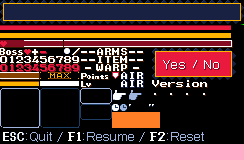
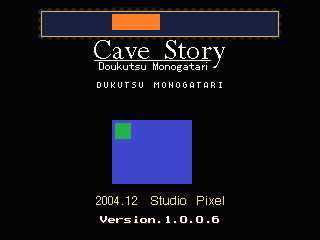
You use the Booster Lab's Hackinator, and set the framerects to 0,0,320,240 respectivatly, and the render position to 0,0. It makes the Title.bmp have the size of the bkMoon.bmp, or bkFog.bmp.How can you add a background to the title screen?


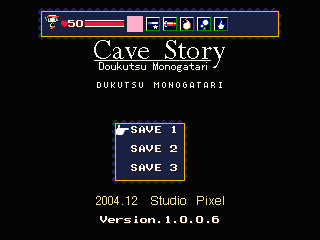
 how do i do the multisave hack?